

The Fake 'Live' Problem: How Disaster Scammers Hijack TikTok and YouTube, and How Citizen Journalists Can Fight Back
Fake live streams flood social media during disasters. Here’s how to spot them fast and get verified video seen.
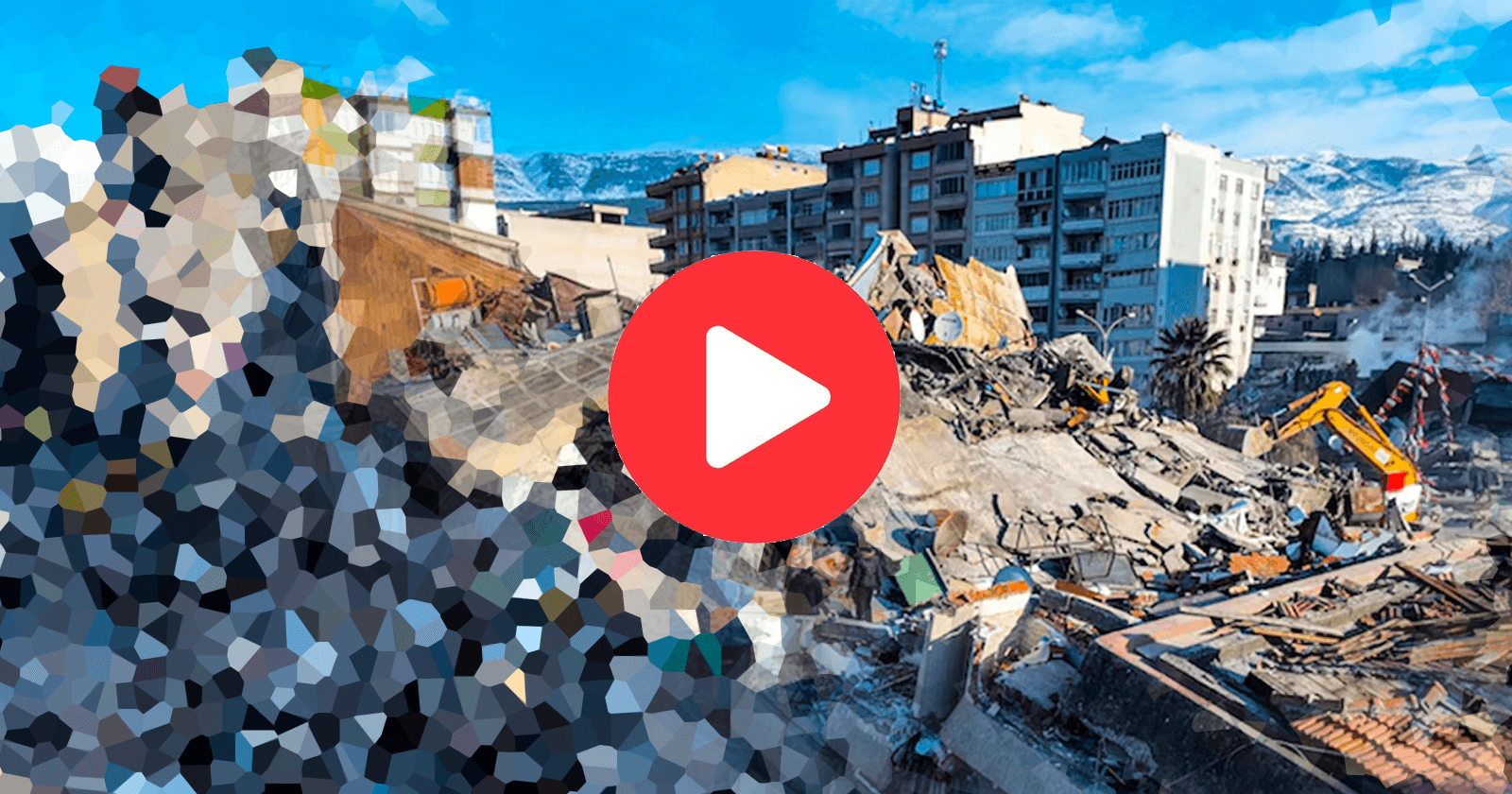
Fake live streams flood social media during breaking news and disasters. The problem is predictable, damaging, and solvable. This explainer shows how to spot fake live streams on TikTok, YouTube, Facebook, and X in seconds, and how citizen journalists can cut through the noise with verified video that helps the public and protects viewers from scams.
A real-world example: “Fake live” during the Turkey–Syria earthquakes
In February 2023, as rescue operations were ongoing after the deadly earthquakes in Turkey and Syria, TikTok LIVE streams surfaced that claimed to be broadcasting real-time footage from the disaster zone. They were not.
Investigations by the BBC and regional fact-checkers found that multiple streams were simply looped or recycled video clips-including aerial shots of destroyed neighborhoods and rebroadcast television rescue footage-re-presented as ongoing live coverage. In one case, a stream ran for hours showing a static, pixelated aerial view while an off-camera host asked viewers to “help Turkey” by sending TikTok gifts or following donation links. No legitimate charities were connected to the stream.
Other “live” broadcasts reused viral images that pre-dated the earthquake by years, falsely labeling them as current survivors or active rescue scenes. Viewers had no way to verify what they were seeing in the moment, and the “LIVE” badge alone gave the content a credibility boost inside algorithmic feeds.
This incident fits the pattern almost perfectly:
Pre-recorded footage presented as real-time disaster coverage
Looping visuals with no ambient audio
Donation asks or gift prompts pinned to the screen
Engagement bait (“Share to help,” “Send gifts for rescue support”)
No verifiable on-scene reporting or location proof
By the time some of these streams were taken down, thousands of viewers had already interacted with them - sending gifts, sharing the feeds, and confusing genuine relief efforts with opportunistic scams.
The result wasn’t just potential financial harm. It was information pollution during a life-or-death news event. Legitimate eyewitness videos struggled for attention while fake “live” broadcasts dominated recommendation feeds, making it harder for journalists, humanitarian groups, and the public to identify what was actually happening on the ground.
Why this example matters
The Turkey–Syria earthquake wasn’t an isolated case… it showed how quickly scammers can hijack breaking news:
Disasters create urgency.
Algorithms boost anything marked “LIVE.”
Viewers lower their guard because emotions are high.
Looped video plus a livestream badge is often enough to manufacture trust.
This is why verifiable citizen-journalist footage matters more than ever. Real-time eyewitness video with true location data, ambient audio, and independent verification cuts through the fog, and prevents fake “live” streams from becoming the dominant narrative during emergencies.
What a fake “live” looks like now
If you’ve scrolled during a hurricane, earthquake, wildfire, or major protest, you’ve seen them:
Endless “LIVE” streams with generic captions like “Pray for [City]” and a dramatic sound bed that never changes.
Looped or recycled footage with no ambient sound, sometimes cropped to hide telltale details.
Restreams of TV news feeds with a donation QR code pasted on top.
A counter of “donations” or “rescue updates” that never aligns with anything verifiable.
Emojis crawling across the screen, engagement bait prompts (“Type YES if you’re watching from [country]”), and pinned comments with cash app handles.
Scammers do this because platforms boost live content and because attention converts into cash. Even when no money changes hands, these streams harvest follows, likes, and watch time that can be monetized later. The result: real eyewitness posts get buried, public understanding gets foggier, and viewers who want to help get steered to bad actors.
Independent fact-checkers have documented the pattern across disasters for years. When something major happens, watchlists at Reuters, AP, and AFP fill with recycled clips miscaptioned as new, often making their way into “live” streams. You can browse active debunks and methods at Reuters Fact Check, AP Fact Check, and AFP Fact Check:
https://www.reuters.com/fact-check/
https://apnews.com/hub/fact-checking
https://factcheck.afp.com/
Why this harms real eyewitnesses and communities
Fake live streams aren’t just annoying. They cause real damage.
They crowd out credible on-the-ground voices at the exact moment the public most needs verified, geolocated, time-stamped video.
They siphon donations away from legitimate relief efforts and mutual aid.
They desensitize audiences. After a feed full of fakes, people trust real footage less.
They prime mainstream outlets to hesitate before featuring citizen video, hurting the reach and potential compensation for real contributors.
If you are a citizen journalist or a local community member posting accurate updates, you are competing with cheap, scalable deceit. You need strategies that are just as repeatable as the scammers’ playbook.
Spot a fake live in 30 seconds
These checks are fast and platform-agnostic. You do not need special tools.
Listen for the loop. If the music, sirens, or voiceover repeats within a few minutes, it’s likely not live. Real live audio varies.
Watch the sky and shadows. Time-of-day and weather mismatches are common. Night footage playing while local reports say it is daylight is a giant red flag.
Scan for cuts. A true live feed does not have invisible jump cuts every 10 to 30 seconds. Cropping, subtle zooms, and repeated motion patterns give loops away.
Read the display. Overlays with “Breaking News LIVE” in generic fonts, animated borders, or emojis often mask old clips and earn algorithmic push.
Check the account trail. Tap through to past posts. If the account’s grid is random viral bait from multiple countries, the “live” is likely opportunistic.
Verify comments and location. If pinned comments push cash app handles or third-party donation links, be skeptical. Compare any claimed location with local live cams or official pages. If the creator can’t answer basic “where are you standing?” questions, move on.
Reverse-search the thumbnail. Download or screenshot the preview image and do a reverse image search. Recycled thumbnails are common.
Look for ambient live cues. Real lives often include situational chatter, evolving crowd noise, or interactive answers to viewer questions.
None of these alone prove a fake, but together they build a clear probability. When in doubt, step away before you share.
Counterprogramming: how citizen journalists beat fake lives
Fake live streams are a supply-side problem. The answer is more verified supply and smarter demand.
For creators and local eyewitnesses:
Title and describe with precision. Include location, micro-location, and time window in your caption. Ex: “Corner of 5th and Pine, 2:15–2:25 pm today, wind gusts and downed lines.”
Keep ambient audio. It builds trust and gives verifiers more to work with.
Show context on purpose. Start wide on a recognizable landmark or intersection sign before moving to details.
Narrate as you go. Note the date, time, and your vantage point. “I’m on the east side of the bridge, facing south. Police just closed the ramp five minutes ago.”
Film continuity. Avoid unnecessary cuts. If you must stop, say so on camera and pick up with a time stamp.
Pin helpful comments. Pin a comment with location info, time recorded, and any corrections if new information emerges.
For newsrooms and requesters who need specific footage:
Be specific about needs. “Looking for 15–30 seconds of the riverfront walkway from the pedestrian bridge, between 5 and 6 pm” is better than “Send flood clips.”
Incentivize clarity. Offer compensation contingent on meeting clear criteria. On POV, you can post a bounty for a specific place and time window, then accept and pay only for submissions that match what you requested.
Ask for context shots. In your request, ask contributors to begin with a street sign, storefront, or unique landmark in frame for one second before moving to the scene.
POV’s model is built for this moment. With POV, anyone can post a bounty for footage at a specific location and time, and contributors in the area can walk into the bounty circle, record, and submit. The bounty poster reviews and pays for accepted video. That simple loop shifts attention and money from fakes to locals with cameras who can actually show what is happening.
What platforms say you can do
Major platforms all prohibit forms of deceptive behavior and synthetic media abuses, but enforcement is uneven. Still, their rules give you levers to pull when you find fake lives.
YouTube’s “Spam, deceptive practices & scams” policies ban content that misleads users or “artificially increases views, likes, comments, or other metrics.” That includes manipulated live streams. See: https://support.google.com/youtube/answer/2801973
TikTok’s Community Guidelines restrict synthetic media and content that “misleads users,” including undisclosed artificial content and scams. Report fake lives directly from the share menu. See: https://www.tiktok.com/community-guidelines
X’s Community Notes lets contributors add context to misleading photos and videos, which can also attach to posts containing live video. Learn how contributions get rated and surfaced here: https://communitynotes.twitter.com/guide
Facebook and Instagram prohibit fraud and coordinated inauthentic behavior, and they remove fundraising scams. If a live asks for money in ways that violate policy, report it and avoid engagement.
When you report, include the specific signals you observed: looping audio, inconsistent time-of-day, recycled thumbnail, mismatched landmarks, or external donation links. The more concrete, the better.
A quick case study: recycled disaster clips
One of the easiest ways to manufacture a fake live is to stitch together old viral clips that look dramatic but are not tied to the current event. Fact-checkers repeatedly document these patterns during earthquakes, wildfires, and storms. Typical examples include:
Old storm surge video relabeled as a fresh hurricane, sometimes mirrored or cropped to hide watermarks.
Controlled burns or fireworks miscaptioned as wildfire walls of flame.
Movie or game engine footage posted as “live” from a disaster zone.
Debunkers at Reuters, AP, and AFP often identify these by matching unique frames or features against their archives. If you are unsure about a clip, you can often find similar prior debunks by searching those sites for keywords matching what’s on screen (for example, “storm surge bridge clip” or “wildfire highway wall of flame”). Start here:
Reuters Fact Check: https://www.reuters.com/fact-check/
AP Fact Check: https://apnews.com/hub/fact-checking
AFP Fact Check: https://factcheck.afp.com/
Smart habits for viewers who want to help
If you’re trying to donate or amplify during a crisis:
Pause before money changes hands. Do not donate via links inside anonymous live streams. Use official relief organizations, local mutual aid groups, or trusted intermediaries.
Look for corroboration. If a live claims a specific neighborhood is evacuating, check local government feeds and reputable local media.
Share precisely. If a clip is real and useful, add context in your repost: the location, time captured, and any supplemental info from official sources.
Make the real stuff win
The antidote to fake live streams is not cynicism. It is better content, posted on purpose, with context audiences can trust.
If you’re on the ground, keep filming, and caption carefully. If you’re requesting coverage, be specific and reward it. If you’re moderating or fact-checking, explain your reasoning and link to sources. Together, that combination crowds out the scammers’ incentive and gives communities the verified situational awareness they deserve.
And if you want to turn all of that into a system, that is exactly what POV exists to do.
📬 Be part of what’s next
POV is a citizen journalism app that turns everyday people into contributors. Post a bounty, request video from anywhere in the world, or walk into a bounty circle and get paid for your footage.
Learn more: https://pov.media
Sign up for early access: Subscribe to POV Stories
Follow us: @POVAppOfficial


