

Metadata Myths: What Newsrooms Really Need From Your Citizen Video
Citizen journalism and verification: how to capture, package, and share phone footage newsrooms can trust
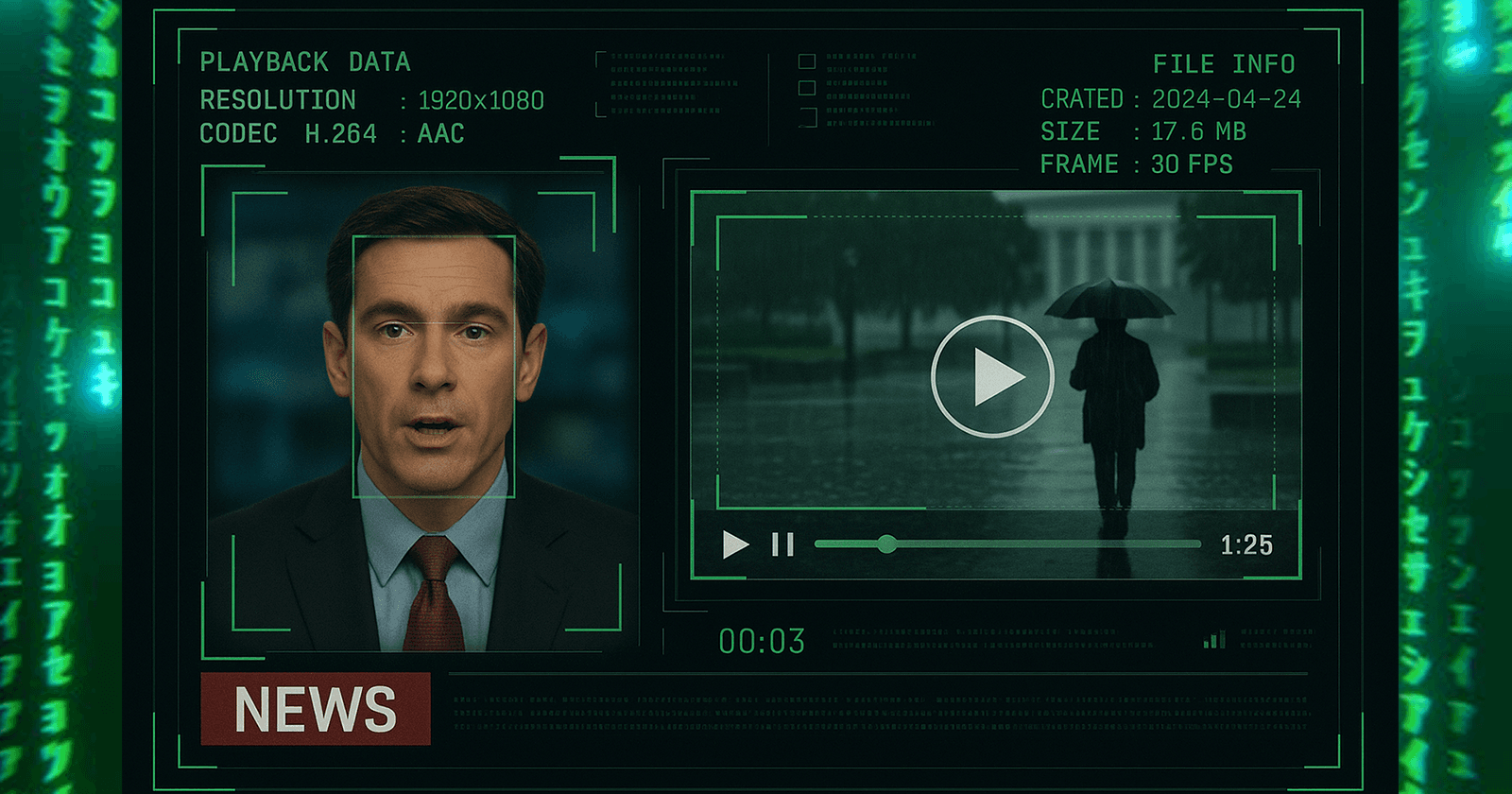
Citizen journalism and verification: how to capture, package, and share phone footage newsrooms can trust.
Every week a new viral clip races across feeds and reporters scramble to confirm it. If you are the person behind the camera, you have probably heard advice like keep your metadata or always turn on location. Helpful, yes. But metadata alone will not get your video on air, into print, or accepted by a bounty. Newsrooms verify footage through a combination of file checks, geolocation, timing, and human context.
This is a field-tested guide to what editors actually need, what they will never rely on by itself, and how you can capture and deliver phone video that stands up to scrutiny.
What metadata is and what it is not
On smartphones, metadata usually means EXIF and file properties. This can include the make and model of your device, camera settings, and sometimes GPS coordinates if you enabled location tagging. Metadata can also live in how a file behaves, like its codec, bitrate, and frame rate.
Here is the catch. Many social platforms compress media and remove or alter EXIF when you upload or repost. Even if your original file has coordinates, a re-upload might not. And even pristine EXIF can be spoofed. That is why professional verifiers treat metadata as one clue, not proof.
For a clear primer on metadata, privacy, and why it both helps and misleads, see the Electronic Frontier Foundation’s Surveillance Self-Defense overview on metadata and files. It breaks down what metadata is, how it is created, and why you should handle it intentionally, not casually. EFF: What is metadata.
Key takeaways:
Metadata is useful, not decisive.
Social platforms often strip or change it.
Verifiers will always triangulate with other evidence.
What newsrooms actually use to verify your video
When a newsroom or fact-checker reviews citizen video, the process usually follows a layered model. The Verification Handbook from the European Journalism Centre is the most widely cited playbook. It emphasizes cross-checking what is in the pixels against the world. Verification Handbook
Here is what that looks like in practice:
Geolocation. Editors look for fixed features in the frame. Street signs, storefronts, unique architecture, mountains, bridges, public art. They compare those to satellite imagery and street-level photos.
Chronolocation. They determine when it happened. Shadows and sunlight angles, weather, traffic patterns, transit schedules, even a stadium scoreboard or a TV visible in a window. They match to known conditions and timelines.
Source and chain of custody. Who filmed it. Who uploaded it first. How many times it was reuploaded or edited. This helps assess the risk of manipulations or missing context.
File forensics. They review compression artifacts, encoding, and any remaining metadata. It helps spot edits or AI tampering but rarely stands alone.
Human context. A direct message, a short call, or a note from the filmer about where they stood and what they saw.
For practical geolocation and timeline techniques, Bellingcat’s how-tos are a gold standard for open source researchers and journalists. They are written for beginners and pros alike. Bellingcat how-tos
The biggest myth: metadata alone will sell your clip
You can have perfect EXIF and still fail verification if your video lacks confirmable landmarks or if the context is unclear. Conversely, you can have no embedded metadata and still pass if the content is rich with verifiable detail and you provide solid corroboration.
Think of metadata like the receipt. It helps close the loop, but the product still has to check out.
Capture choices that make your video verifiable
You do not need a special app or gear. Small capture decisions dramatically increase trust.
Start with an establishing shot. Sweep slowly for three to five seconds to show your surroundings. Include street corners, building numbers, storefronts, or transit stops. This lets editors anchor your clip on a map.
Keep the camera steady. Brace your elbows or rest the phone on a surface. Clear, readable frames make verification much faster.
Roll long enough for time clues. Let the camera run a bit before and after the peak moment. Passing buses, church bells, digital clocks, and changing shadows all help.
Narrate sparingly and clearly. A quiet line like I am on the southwest corner of 3rd and Pine facing east gives verifiers a head start. Do not shout names or personal details.
Avoid over-zooming and filters. Digital zoom and effects can destroy details verifiers need to see.
Capture a second angle if safe. A quick still photo or short clip from the same spot can confirm the setting without crowding your main footage.
If this sounds familiar, it is because these are the same techniques used by newsroom VJs. They are fast, safe, and they work.
How to preserve provenance without getting tangled in tech
Yes, original files help. No, you do not need to be a metadata wizard.
Save the original clip to your camera roll without edits. Do not trim or add captions in-app. Every edit risks losing telltale file signatures.
When you share, use a file transfer method that preserves originals. Cloud links or direct file transfers are better than social uploads. Include the original filename if possible.
Attach a simple context note in text. Who shot it, where you stood, what direction you faced, approximate time, and any safety or consent considerations.
Keep a local backup. Accidental deletions and app crashes happen. An extra copy in your Files app or cloud drive protects your work.
WITNESS, the human rights video organization, maintains a practical guide to archiving and preserving video so it retains value as evidence. You do not need to follow every step, but their checklists are the industry’s north star. WITNESS: Activists’ Guide to Archiving Video
Four more myths to retire right now
Turning on location services is enough. Helpful, not sufficient. GPS tags can drift or be stripped. Film verifiable features and share a short location note.
Watermarks prove origin. Watermarks can be cropped or cloned. They are fine for brand credit, but they do not prove who shot what, where, or when.
Only DSLR footage gets used. Clean, well-framed phone video beats shaky “cinematic” clips every day because it is fast to verify and publish.
Metadata is always dangerous. Metadata can reveal sensitive info if you post publicly. If safety is a concern, share privately with a trusted newsroom or through a secure submission channel. The EFF guide above explains the tradeoffs and removal options.
What editors want to hear in your first message
You do not need a paragraph. Aim for seven lines that answer verification questions before they are asked.
I filmed this on [device] in [city, neighborhood].
Exact or approximate location. Corner, landmark, or GPS coordinates if you are comfortable sharing.
Direction you faced. North, toward the river, toward the station.
Date and local time. If time is approximate, say so.
What happened before and after. One or two sentences.
If anyone is in danger or if sensitive identities are visible. Note if you are comfortable with blur requests.
How to credit you and how to reach you for follow-up.
Send that with a link to the original file and you leapfrog most of the back-and-forth that slows publication and payment.
How this plays with POV bounties
POV’s marketplace is built for fast, verifiable footage.
Posters create a bounty at a specific place and time, then describe what they need to see. The clearer the request, the easier the verification.
Contributors walk into the bounty circle, record, and submit video. If you include an establishing shot with clear landmarks and a quick text note, reviewers can accept your clip faster.
The bounty poster pays for accepted video. Clean, verifiable footage with simple context notes tends to get accepted first.
If you are posting a bounty, write your task so it bakes in verification. Ask contributors to include a 3 second sweep of the street corner sign, to state the direction they are facing, and to avoid in-app filters. If you are walking into a bounty, treat the request like a mini shot list and deliver precisely what is asked.
A simple capture-to-share workflow you can save
Use this checklist when something breaks in front of you, or when you accept a POV bounty.
Safety and consent. If filming people in a sensitive situation, prioritize safety. Avoid filming minors or vulnerable individuals without a clear public-interest reason.
Roll the establishing shot. A slow 3 to 5 second sweep to lock the location.
Capture the event. Keep the phone steady. Do not add overlays or filters.
Narrate one clear line. Where you stand and direction you face.
End with a verifier shot. Street sign, building number, transit stop, or any unique landmark.
Save the original. Do not trim. Back it up.
Share the file, not a repost. Send a cloud link or direct file. Avoid uploading to social first.
Add your 7-line note. Device, city, precise or approximate location, direction, time, what happened, safety notes, credit details.
This is the fastest path to a yes.
Why this matters in the age of AI
Synthetic media will keep improving. Newsrooms already combine human expertise with forensic tools to spot AI fingerprints, cloned audio, and uncanny artifacts. But the most reliable signal remains the same as it has been for a decade of OSINT work. Ground truth that matches the world.
Visual investigations teams at major outlets routinely publish how they reconstruct events from citizen video and open sources. You can browse examples to see which details helped them confirm location and time, and what slowed them down. New York Times Visual Investigations and Global Investigative Journalism Network’s verification resources are good starting points.
When your footage anticipates their questions, it does not just survive verification. It leads it.
The bottom line
Metadata is not magic. It is one part of a larger trust recipe that mixes clear imagery, confirmable landmarks, honest context, and a clean chain of custody. If you capture like a verifier and share like a collaborator, you will get your clip published faster and increase your chance of getting paid.
And when everyone plays by those rules, breaking news gets clearer for all of us.
📬 Be part of what’s next
POV is a citizen journalism app that turns everyday people into contributors. Post a bounty, request video from anywhere in the world, or walk into a bounty circle and get paid for your footage.
Learn more: https://pov.media
Sign up for early access: Subscribe to POV Stories
Follow us: @POVAppOfficial


