

From Phone to Courtroom: How Citizen Video Becomes Evidence
A practical guide to authenticity, chain of custody, and context so your footage stands up in court and in the newsroom
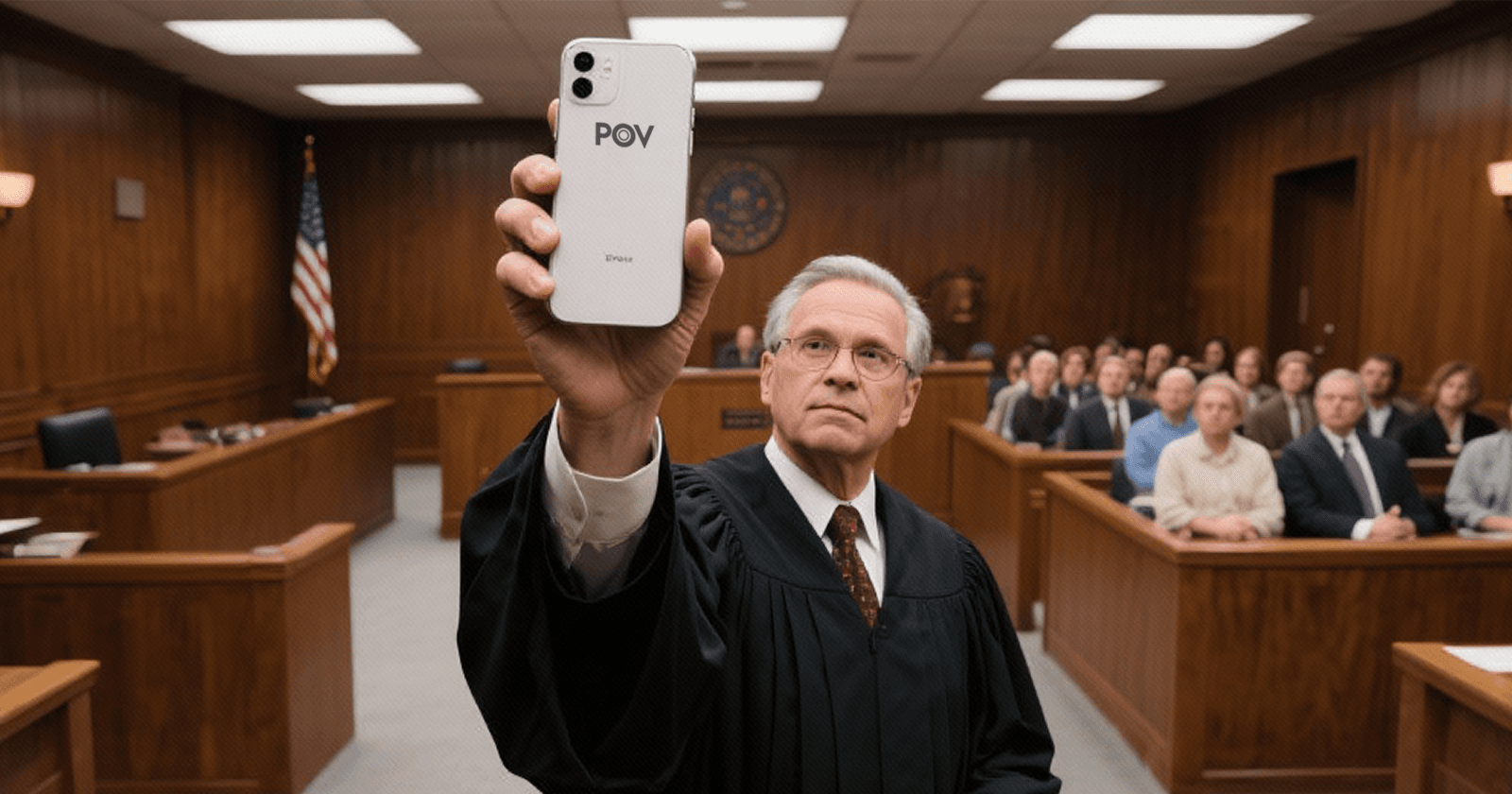
Citizen journalism is now a primary source of video evidence, from street-level protests to disasters and public incidents. Newsrooms and courts rely on this footage, but it only holds power if it can be authenticated and preserved. Here is how to capture, verify, and safeguard citizen video so it stands up in courtrooms and in breaking-news coverage.
This is a practical, non-legal guide. For legal advice, consult an attorney.
Why this matters
In the trial of Derek Chauvin, the teenager who recorded George Floyd’s final minutes received a special citation from the Pulitzer Prizes for her public service, underscoring the civic impact of citizen video. The official citation recognized Darnella Frazier “for courageously recording the murder of George Floyd” and sparking consequential coverage and protests. See: Pulitzer Prize announcement pulitzer.org.
Open source videos have also become central to hundreds of U.S. January 6 prosecutions, where investigators relied on social media posts and eyewitness clips to identify individuals, reconstruct timelines, and corroborate testimony. For an overview of how prosecutors used publicly available video, see Lawfare’s analysis of Jan. 6 evidence sourcing: lawfaremedia.org.
The takeaway is simple. Your phone might capture the most important evidence in the room. But whether that clip is believed depends on authenticity, context, and a clean path from the scene to the people who need it.
What courts look for: the basics
U.S. courts need to know a video is what it claims to be. Three rules to understand:
Authentication: Under Federal Rule of Evidence 901, evidence must be supported by proof “sufficient to support a finding that the item is what the proponent claims it is.” That can be the eyewitness who filmed it, device metadata, or corroborating details. Reference: law.cornell.edu/rules/fre/rule_901
Best Evidence: Rule 1002 favors originals when the content of a recording is at issue. This is why unedited source files matter. Reference: law.cornell.edu/rules/fre/rule_1002
Fairness vs prejudice: Rule 403 lets courts exclude evidence if unfair prejudice substantially outweighs probative value. Clear, contextual clips help. Reference: law.cornell.edu/rules/fre/rule_403
Outside the courtroom, newsrooms apply very similar standards. They want to know who filmed the video, when and where it was captured, whether it has been edited, and how it can be corroborated with independent details.
For a deeper dive into open source verification principles used by journalists and human rights investigators, see the UN’s Berkeley Protocol on Digital Open Source Investigations, a global standard for gathering and preserving user-generated evidence: ohchr.org.
Capture choices that strengthen authenticity
Small decisions at the moment of recording make verification easier later.
Record continuously. Avoid stopping and restarting unless safety requires it. Continuous video preserves context and helps establish an unbroken timeline.
Narrate the basics. A quiet voice note near the start can help: “This is [street name], [city], about [time].” Do not compromise your safety to narrate. Ambient audio is often just as valuable for verification.
Show the scene. Begin or end with a short, slow pan that includes recognizable landmarks, street signs, storefronts, or transit stations that can be matched to maps or Street View.
Keep filters off. Shoot in the camera app without filters, beauty effects, or third-party overlays. Avoid adding music. These can undermine authenticity and strip useful audio clues.
Stabilize and step back. If safe, hold steady or brace the phone. Capture wider frames before zooming. Digital zoom reduces detail and can make analysis harder.
Respect safety and dignity. Do not put yourself or others at risk to get the shot. When possible, avoid needlessly identifying minors or vulnerable individuals.
These are not about making your footage look “pretty.” They are about making your footage verifiable.
Helpful references: Bellingcat’s open source investigation guides include practical geolocation and chronolocation techniques that rely on the kinds of details listed above: bellingcat.com/resources.
Preserve the Original Footage
When you capture something important, the smartest move you can make is to keep the original file intact - especially if it might have news or legal value.
Instead of trimming, filtering, or reposting immediately, upload it to POV. The app automatically saves your original, uncompressed file and preserves the metadata that proves when and where it was captured. You can still share edited clips later, but the verified source file stays safe in your account.
Why use POV
No compression or quality loss. Unlike messaging apps, POV stores your full-resolution footage with all metadata preserved.
Instant cloud backup. Your video is securely backed up the moment it’s uploaded - no risk of losing the only copy on your phone.
Authenticity protection. Each upload is cryptographically signed and timestamped, making it easier to prove your footage hasn’t been altered.
Access for newsrooms. Verified outlets can license your footage directly through POV, saving time and ensuring proper credit.
If you’re not using POV, make sure to manually back up the file using AirDrop, USB, or a trusted cloud drive. Avoid sending it through apps that compress or strip metadata.
For more on professional verification standards, see the European Journalism Centre’s Verification Handbook.
Document context while it’s fresh
Memory fades quickly. A few quick notes captured right after filming can become crucial months later.
Write down the basics: date, approximate time, exact location, what you saw before and after the clip, weather or lighting conditions, and any relevant sounds.
Save a location snapshot: take a photo of a nearby street sign or a map screenshot with your position dot visible. If safe, a photo of a storefront with its posted hours can help later time-pin events.
Identify potential corroborators: note names or contact details for others who were present and comfortable being contacted. Never pressure anyone to share personal information.
Keep a simple chain-of-custody log: if you share the original file, write down who received it, when, and by what method. Even a short note in your phone can help establish a clean path.
For human rights documentation, the Berkeley Protocol outlines similar recordkeeping to preserve probative value and reduce the risk of contamination: ohchr.org PDF.
Sharing with newsrooms and investigators
Once you have the clip and your notes, share thoughtfully.
Offer the original. Make clear you can provide the unedited source file. If you post a short version to social, include a line like “Original available.”
Expect questions. Credible outlets will ask when, where, and how it was shot, and whether you are the original filmer. They may ask for additional angles or the full clip.
Keep receipts. If you send the file, save the email or transfer record. That helps reconstruct chain of custody later.
Think safety first. If your identity or location could put you at risk, tell the newsroom up front. Ask about anonymity or delayed publication.
Understand licensing versus evidence. Media licensing agreements deal with broadcast and publication. If law enforcement requests your footage, consider consulting counsel before handing over your device or files. Policies vary by jurisdiction.
A good newsroom will welcome these steps. Reuters, for example, publishes standards for verifying user-generated content before broadcast, emphasizing provenance and corroboration: Reuters Handbook of Journalism.
How POV fits: request the right clip, right where it happened
POV is designed for moments where time and place matter. On POV, anyone can:
Post a bounty for footage at a specific location and time window.
Others who are on the ground can walk into the bounty circle, record, and submit video.
The bounty poster pays for accepted video.
That workflow makes verification easier. If a newsroom needs a clip from a precise street corner at 3 pm, a POV bounty narrows the who, where, and when before a single second is recorded. The platform structure also helps preserve a clean path from camera to publisher.
Common pitfalls that weaken evidence
You do not need to be a forensics expert to avoid the most frequent mistakes.
Screen recordings of someone else’s post. These add compression, remove original metadata, and can introduce artifacts. Always try to obtain and preserve the original upload.
Heavy edits and overlays. Large captions, stickers, filters, or music complicate verification and may confuse jurors or audiences.
Cropped or zoomed-only versions. Keep the wide original so investigators can see the full scene.
Uploading only to platforms that strip metadata. Post where you want, but also keep a copy elsewhere that preserves the original file.
Sharing without context. A viral clip can lose its meaning without a note about location and time. Add basic context in the caption.
The ethics check
Law and ethics are related, but not identical. Evidence can be powerful and still cause harm. Ask yourself:
Am I putting anyone at risk by publishing this now?
Should I blur a face or remove audio before posting socially while preserving the original for investigators?
Could this misidentify a person or mislead viewers without additional information?
Ethical choices improve trust. They also reduce the risk of a clip being tossed aside as sensational but unhelpful.
A Closing Checklist You Can Save
Record continuously and safely.
Capture landmarks, signs, and ambient audio.
Upload the original file to POV - it automatically preserves full resolution, timestamps, and metadata that prove authenticity.
Do not edit or trim the only copy before uploading.
POV stores your footage securely in the cloud, making it easy to share verified originals with newsrooms or the public when needed.
Transfer without compression if you must move it manually, and keep a simple log of who received the file.
Write quick notes with time, place, and what happened before and after.
Offer the original through POV’s newsroom tools or directly to credible outlets. Expect verification questions.
Preserve dignity and safety while informing the public.
Citizen video has changed the arc of major cases and moved global audiences.
Your footage could do the same - especially when it’s authentic, preserved, and responsibly shared on POV.
📬 Be part of what’s next
POV is a citizen journalism app that turns everyday people into contributors. Post a bounty, request video from anywhere in the world, or walk into a bounty circle and get paid for your footage.
Learn more: https://pov.media
Sign up for early access: Subscribe to POV Stories
Follow us: @POVAppOfficial


