

Air Traffic Forensics: How Flight Trackers Verify Viral Videos in Minutes
Citizen journalists can use ADS-B data, helicopter IDs, and ambient audio to confirm where and when a clip was filmed
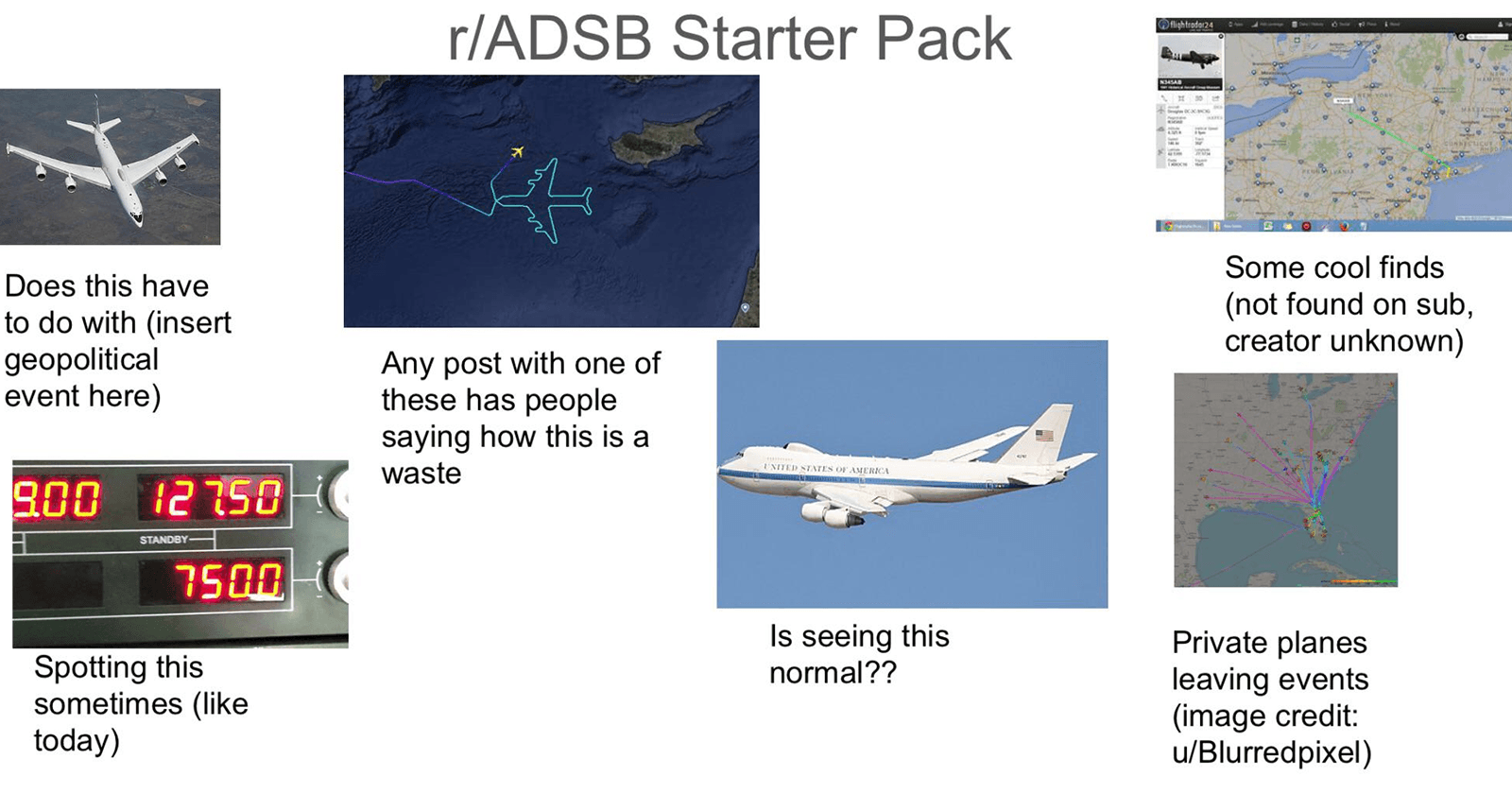
Flight tracker data is one of the fastest, least discussed ways to verify viral videos. If your clip shows or even just hints at a helicopter, air tanker, medevac, or news chopper, you can often confirm the place and time in minutes. For citizen journalists, that turns an eye-catching post into credible, citable evidence.
This guide walks through simple, field-tested steps to use ADS-B flight data, helicopter cues, and ambient audio to verify footage. It also shows how to turn those insights into better POV bounties so you get the exact video you need.
Why aircraft make great timestamps
Aircraft leave trails of data. Most planes and helicopters broadcast ADS-B, a signal that includes identity and position. Public trackers ingest those pings and record paths with timestamps. If a video captures a helicopter orbit, the sound of rotors, a medevac departing a stadium, or an airtanker making a wildfire drop, chances are high there is a corresponding flight track you can check.
You are not guessing. You are matching observable evidence in the clip to a specific aircraft path logged at a specific time.
A police helicopter circling a protest creates a distinctive orbit that shows up on trackers.
A news helicopter hovering over a crash scene will typically be visible with callsign and altitude.
Air tankers and water bombers fly repeatable low-level patterns during wildfire ops.
Medevac helicopters launch from hospitals and stadium LZs with visible paths.
When you can align any of those with landmarks or audio in the clip, you have a strong verification.
The quick-start toolkit
You do not need special software to get value from air traffic data. Start here:
Flightradar24’s ADS-B explainer and live map: https://www.flightradar24.com/blog/what-is-ads-b/
FlightAware live tracking and historical playback: https://flightaware.com
ADS-B Exchange for wide coverage and useful historical views: https://www.adsbexchange.com
FAA registry lookup for US tail numbers and callsigns: https://registry.faa.gov/aircraftinquiry/
InVID verification plugin for quick keyframe extraction and reverse image search: https://www.invid-project.eu/tools-and-services/invid-verification-plugin/
WITNESS guides on ethical video use and archiving: https://witness.org
Each tool has strengths. Flightradar24 and FlightAware offer readable history and filters. ADS-B Exchange can show more aircraft types and unfiltered data. Use more than one to cross-check.
A 60-second verification method
When a clip includes an aircraft cue, run this checklist.
Freeze the best frame. Use InVID or your phone screenshot tool to capture a frame that shows the helicopter or airplane, even as a blur or light. Note rotor noise, sirens, or PA announcements.
List clues. Write what you see or hear:
Helicopter color or lighting pattern
Orbit direction or hover
Nearby landmark or skyline
Ambient audio like a stadium name or street name
Weather and light conditions
Guess the time window. If the post timestamp says “2 hours ago” and it is 8:15 pm local, your window is roughly 6 to 9 pm. Tighten it with sunset or weather cues.
Search flight tracks over the area for that window. On FR24, FA, or ADS-B Exchange, center the suspected location and scrub back through the time window. Look for tight orbits or low-level patterns.
Click the candidate aircraft. Note callsign, tail number, altitude, and speed. Compare the track’s shape and timestamps with what you see in the clip.
Align the geometry. If the helicopter was left of a tower in the clip, the orbit leg at that time should place the aircraft roughly at that bearing relative to the landmark. If the audio peaks at the moment the track passed closest to the camera, your match strengthens.
Screenshot your work. Capture the track with UTC time stamps visible and keep a copy of the reference frame. You now have a verifiable time-place match.
If you are not sure after one pass, switch to a second tracker, widen the time window by 15 minutes, and try again.
A step-by-step walkthrough
Imagine a 22-second vertical video from a downtown protest. The frame swings past a familiar skyline. Rotor noise dominates for 8 seconds. You briefly see a blinking red light moving left to right. The caption says “tonight.”
Identify the skyline. You confirm the city from a stadium sign in frame.
Estimate the time. Streetlights are on. The stadium is hosting an evening game. Local time window likely 7 to 10 pm.
Open a tracker, center on the stadium, and scrub the timeline from 6:30 to 10:30 pm.
You see a helicopter callsign “N###PD” flying circular orbits at 1,200 feet between 8:02 and 9:05 pm.
The orbit leg on the west side of the stadium aligns with the left-to-right movement in the video at 8:47 pm.
The moment the helicopter track passes closest to a residential block matches the audio peak in the clip.
You take screenshots: the orbit at 8:47 pm, the aircraft info pane, and a map with north arrow and scale. You save a still from the video showing the skyline.
You now have a specific time match. Your verification note reads: “Video filmed near Stadium Park at about 8:47 pm local. Helicopter N###PD orbit confirms location and time.”
What if the aircraft is not visible?
You can still use air traffic data with audio-only clues.
Rotor beats imply a helicopter. The RPM pattern and duration can hint at hover vs passing transit.
PA announcements or sirens can hint at proximity to arenas or fire corridors.
If you hear a tanker roars over mountainous terrain during a wildfire, check for low, repetitive straight-line runs in that area.
Pair audio with maps. If a helicopter’s orbit took it close to a given neighborhood at 9:12 pm, and the clip poster lives there, that narrows your window even without a visual.
Pitfalls and how to avoid them
Coverage gaps. ADS-B reception is good in many places but not universal. Helicopters without ADS-B or with blocked identities may not appear. Use multiple trackers and widen search areas.
Time zones and post delays. A clip posted at midnight might have been filmed at 8 pm. Always confirm local time and use UTC when capturing evidence.
Multiple aircraft. Big incidents attract police, news, and medevac helicopters. Label your screenshots. Verify you are matching the right track to the right moment.
Blocked or tactical flights. Some aircraft opt out of public display. Do not assume absence from trackers disproves a clip.
Privacy and safety. Avoid broadcasting sensitive locations in real time, especially medevac flights or ongoing tactical operations. Consider delaying publication of precise aircraft positions.
When in doubt, be conservative with claims. “Likely around 9:15 pm based on helicopter orbit” is stronger than an overconfident timestamp.
Turn these insights into better POV bounties
POV’s model is simple. You can post a bounty for footage at a specific place and time. Others can walk into your bounty circle, record, and submit. You pay for accepted video.
Flight-aware bounties make verification easy and increase your chances of useful footage:
Specify a time window anchored to a flight activity. Example: “Seeking 20 seconds of stable video with audio of the fire helicopter orbiting over Riverside Park between 6:30 and 7 pm. Show the north tower in frame for orientation.”
Ask for ambient audio and a slow pan. “Start pointed at the stadium, then slowly pan left. Do not use zoom. Keep rotor sound in the recording.”
Request vantage that includes landmarks. “Shoot from the south side of 5th Street with the clocktower visible.”
Provide safety guidance. “Record from sidewalks only. Do not cross police lines. No drones.”
Those details help contributors capture verifiable frames and sound that you can confirm later with flight tracks. It also protects contributors by maintaining a safe distance and intended perspective.
Build a clean verification package
Think like an editor or a court. Save and label your evidence.
Screenshots that show the map, aircraft info, and UTC time.
A short note that states your reasoning chain. Example: “Landmark X at bearing Y, helicopter orbit leg at 21:47 local, audio peak matches closest point of approach.”
The original video file when possible, not a compressed repost. Original files preserve metadata and clean audio.
Archive links. Use the Wayback Machine to capture a tracker view if possible: https://web.archive.org
Keep copies of the public posts or messages where the video appeared, with timestamps.
This small habit transforms your clip into a verifiable asset that editors, researchers, or investigators can trust.
Advanced moves for power users
Filter by altitude and speed. Law enforcement and news helicopters often orbit below 2,000 feet and under 100 knots. Air tankers fly repeatable runs at low altitude.
Use bearing math. If the clip shows the aircraft moving left to right, the track bearing in the time slice should match that relative motion from the camera’s likely position.
Cross reference with public radio where legal. LiveATC can provide context around airport or helicopter operations in some areas: https://www.liveatc.net. Know your local laws before monitoring or sharing audio.
Identify the aircraft. A tail number or callsign can sometimes be read in a crisp frame. Check registration info for operator details in the FAA database: https://registry.faa.gov/aircraftinquiry/
Do not overcomplicate. Your goal is alignment, not perfection.
Ethics, consent, and context
Verification is not just technical. It is ethical.
Blur faces and private addresses in sensitive situations, especially protests and residential incidents.
Avoid publishing precise real-time locations that could endanger people.
Give context about what a clip does and does not show. A helicopter orbiting a neighborhood does not prove guilt or cause.
Attribute citizen journalists clearly and obtain permission before syndicating their work. Link back to the original post when possible and respect any safety requests.
For more on safety and rights, WITNESS maintains useful best practices and training materials: https://witness.org
Further reading and training
Flightradar24’s overview of ADS-B and why so many aircraft are visible: https://www.flightradar24.com/blog/what-is-ads-b/
Bellingcat’s introduction to tracking aircraft using open data: https://www.bellingcat.com/resources/2017/09/19/tracking-aircraft-around-world-introduction-ads-b/
The InVID plugin, a staple in OSINT video verification workflows: https://www.invid-project.eu/tools-and-services/invid-verification-plugin/
ADS-B Exchange’s global map and archives: https://www.adsbexchange.com
Master these tools and you will routinely turn “maybe” clips into verified evidence with clear time and place.
The takeaway
Air traffic is a moving clock in the sky. When your video includes a helicopter’s light, a tanker’s roar, or even just a low thump of rotor blades, you can often verify the where and when in minutes using public flight data. Pair that with clear bounties on POV and you will crowdsource not just compelling footage, but footage that stands up to scrutiny.
📬 Be part of what’s next
POV is a citizen journalism app that turns everyday people into contributors. Post a bounty, request video from anywhere in the world, or walk into a bounty circle and get paid for your footage.
Learn more: https://pov.media
Sign up for early access: Subscribe to POV Stories
Follow us: @POVAppOfficial


